Virtual try-on for your Shopify store
Add an AI “Try On” button to your product pages in a day. Let shoppers see themselves in your products — lift conversions and cut returns, with no 3D assets and no heavy development.
No 3D assets Live in a day Lightweight SDK
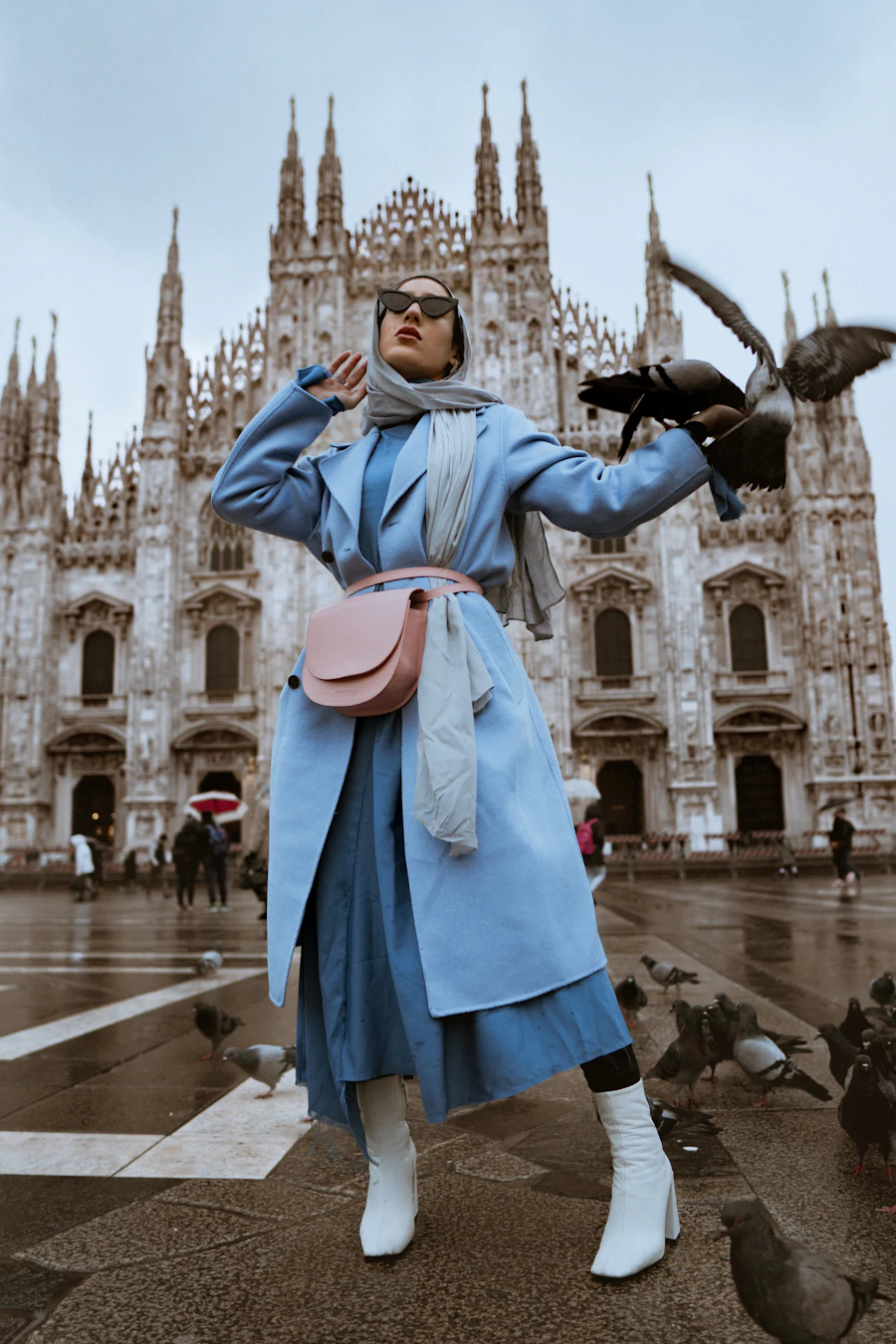
Oversized Wool Coat
$189.00
Directional ranges from TryOnKit cohorts; actual results depend on implementation.
Built to drop into Shopify.
Installs on your theme
Add the embed through your Shopify theme editor or app block — no 3D assets, no per-product setup. Works on Online Store 2.0 and headless Hydrogen.
Won't slow your store
The SDK is lightweight and loads asynchronously only when a shopper engages, so your Core Web Vitals and page speed stay in the green.
Matches your brand
Theme the try-on button and UI to your storefront's colours and copy, so it feels native to your product page — not a bolted-on widget.
Secure by design
Requests are scoped to your authorised domains and shopper photos are never stored permanently — your embed key can't be abused elsewhere.
Live on Shopify in three steps
Add the embed
Drop the TryOnKit embed into your product template with your embed key — via your theme editor or a theme block.
Configure once
Pass the active variant image plus category and sub-category so the model renders the right fit, drape, and proportion.
Go live
Shoppers get a 'Try On' button on every product page. Forward try-on events into your analytics and watch conversion lift.
One SDK across your catalog
Not sure where to start? See which categories convert best.
Clothing
Tops, bottoms, dresses, outerwear — generative draping on the shopper's own photo.
Footwear
Cut the category with the highest return rate by letting shoppers preview the look first.
Accessories
Eyewear and bags — resolve the scale and proportion that flat photos can't communicate.